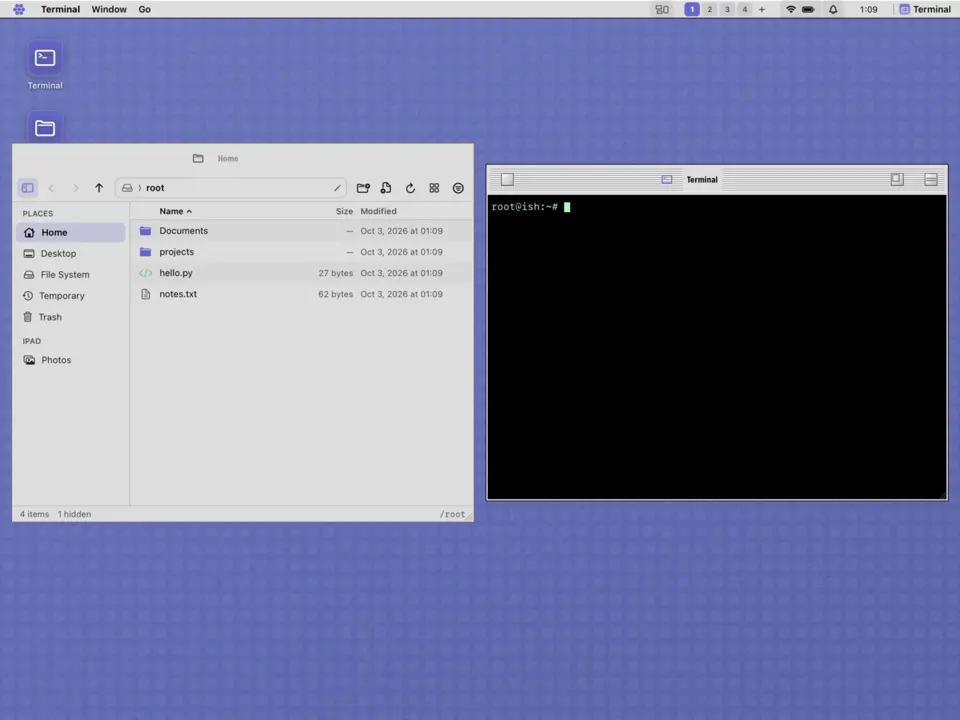
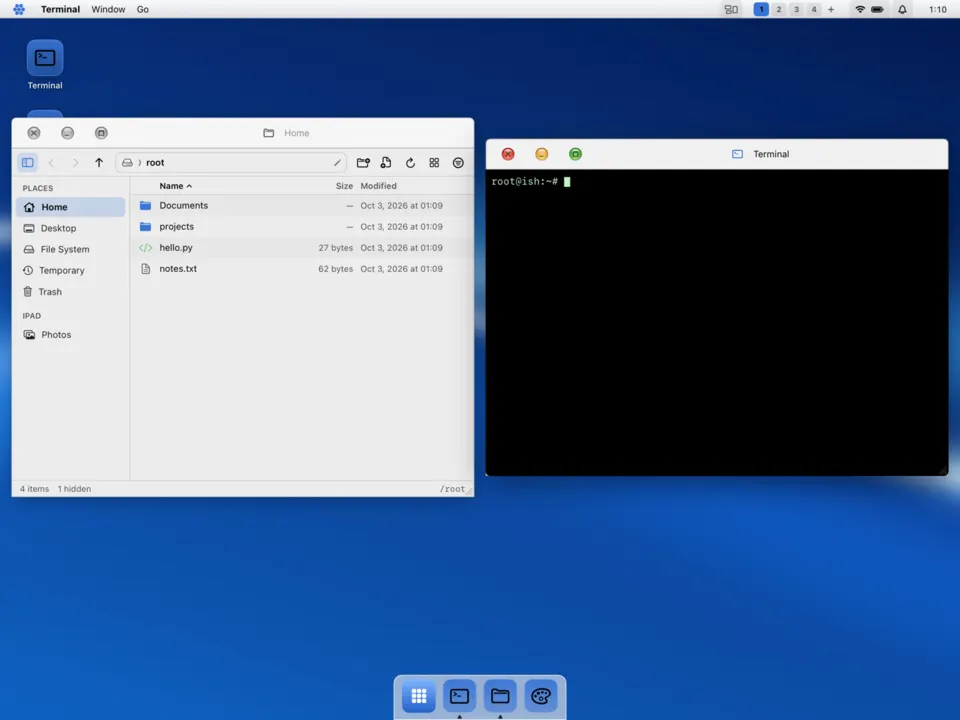
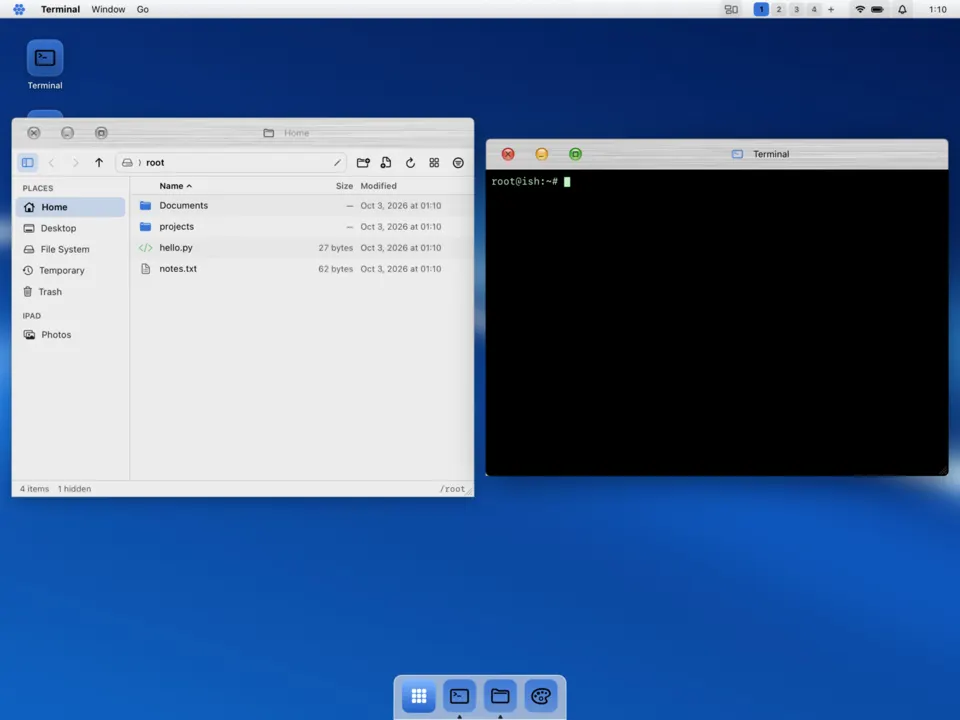
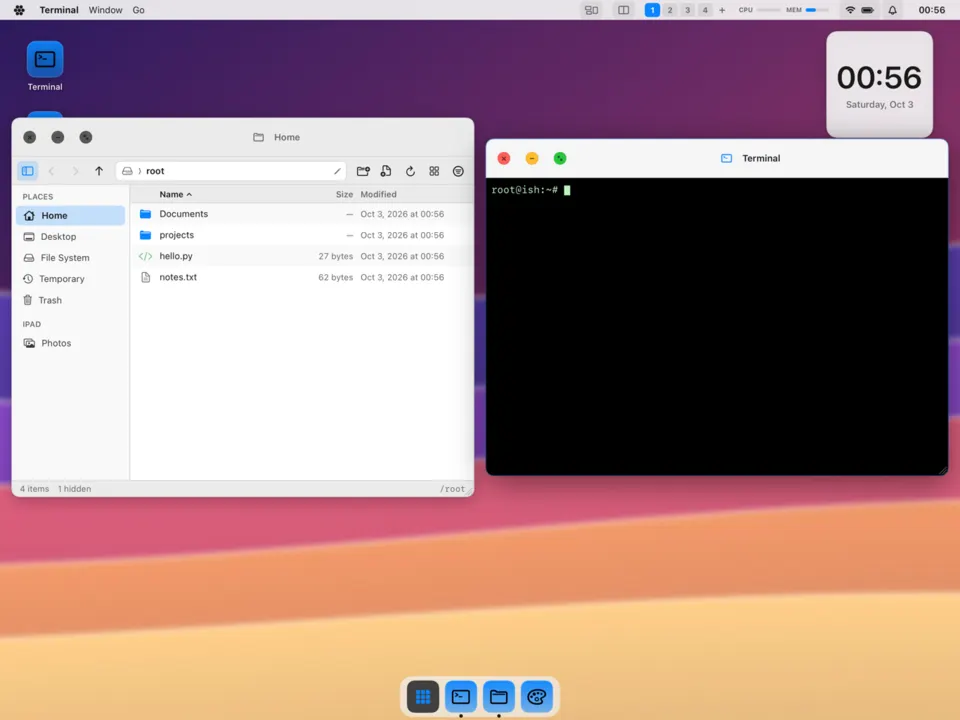
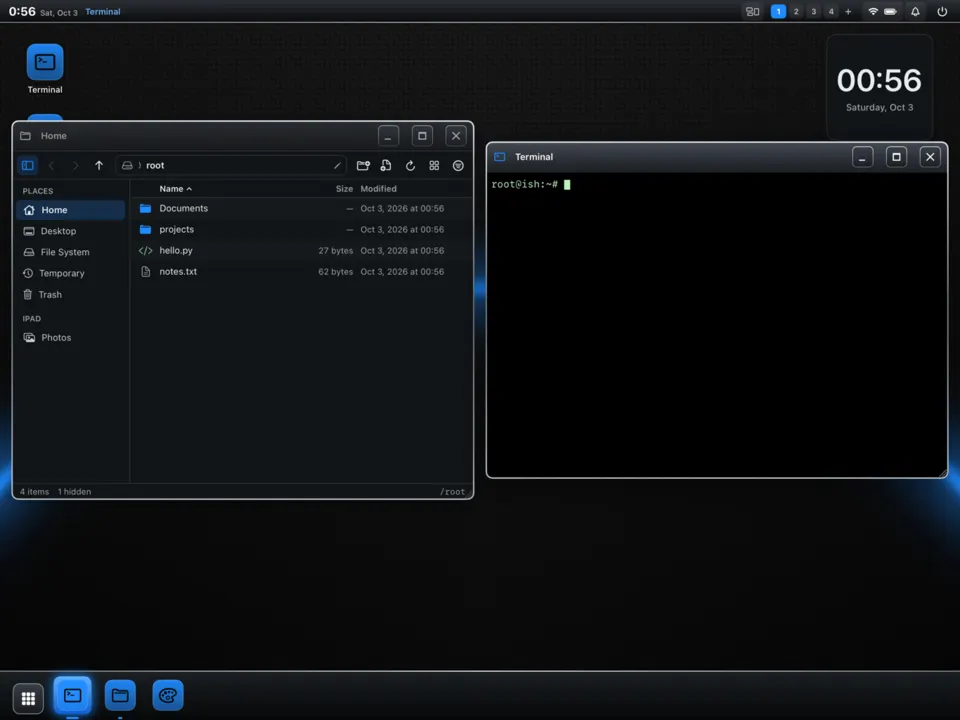
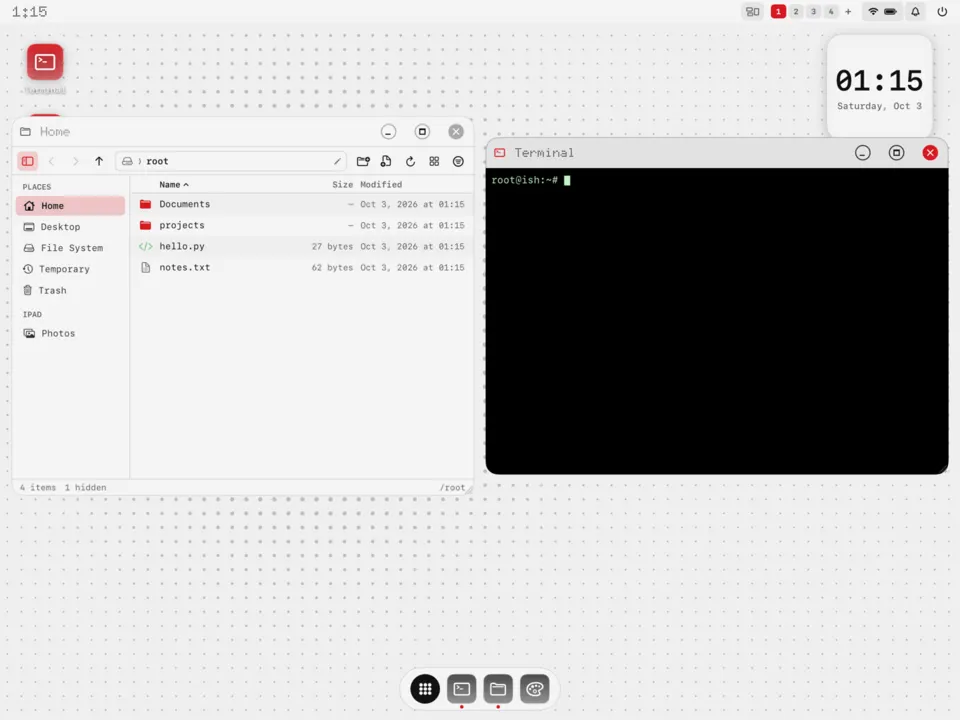
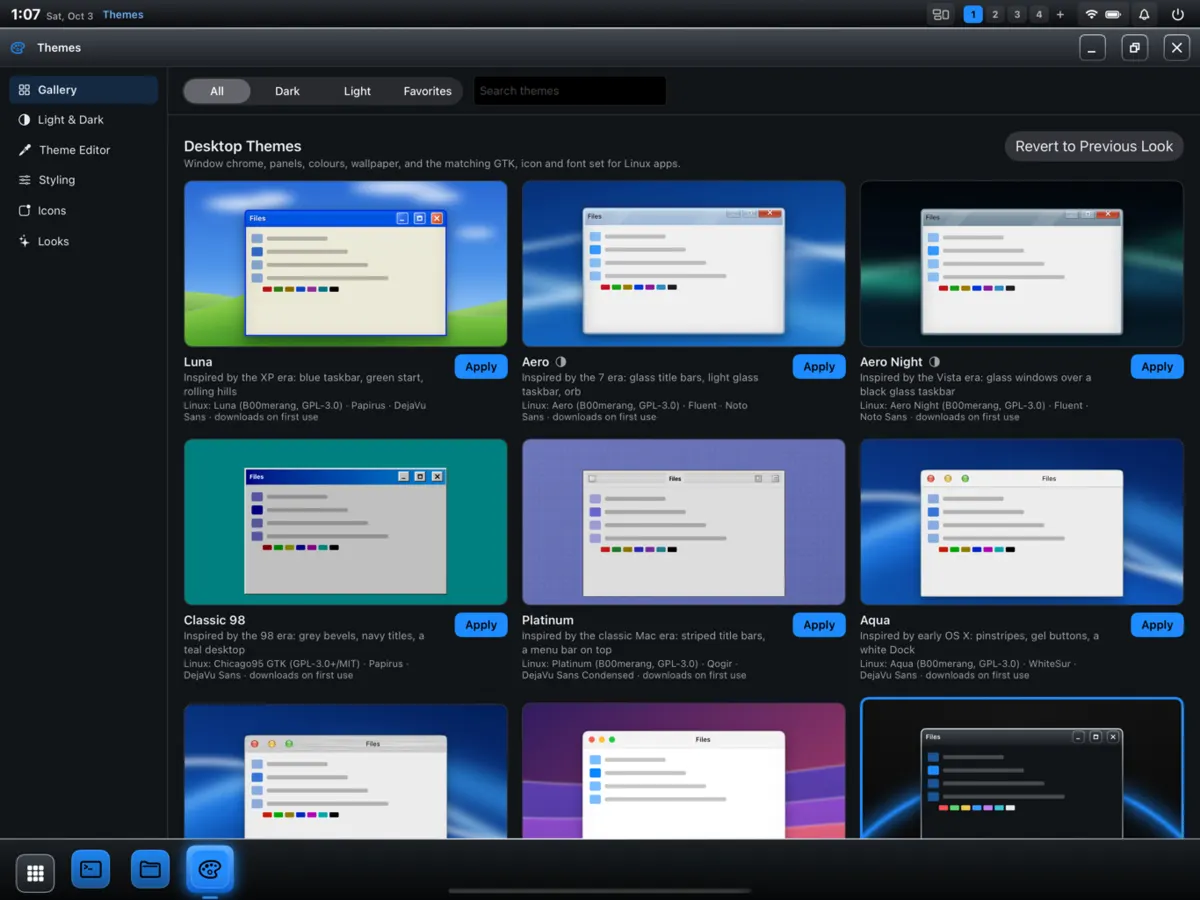
Every look and palette that ships in LinPad. A colour theme recolours the desktop, the terminal, btop, GTK and Qt apps, VS Code and Firefox at once. Press ⌃⌥⇧Space in LinPad to pick one, or ⌃⌥⇧C to cycle.
Desktop looks
A look sets the layout, window chrome, colours, wallpaper, fonts and the matching GTK theme together. Era looks are original recreations of a period's feel and use open-source GTK themes (B00merang, Chicago95) that download on first use; their Linux app theming is still being tested.
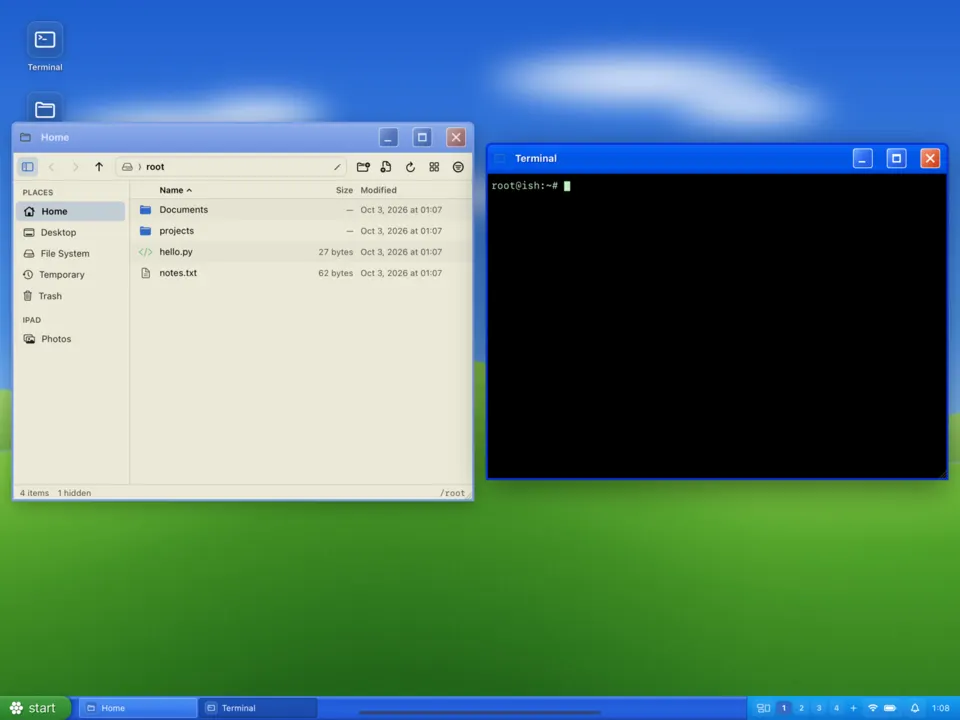
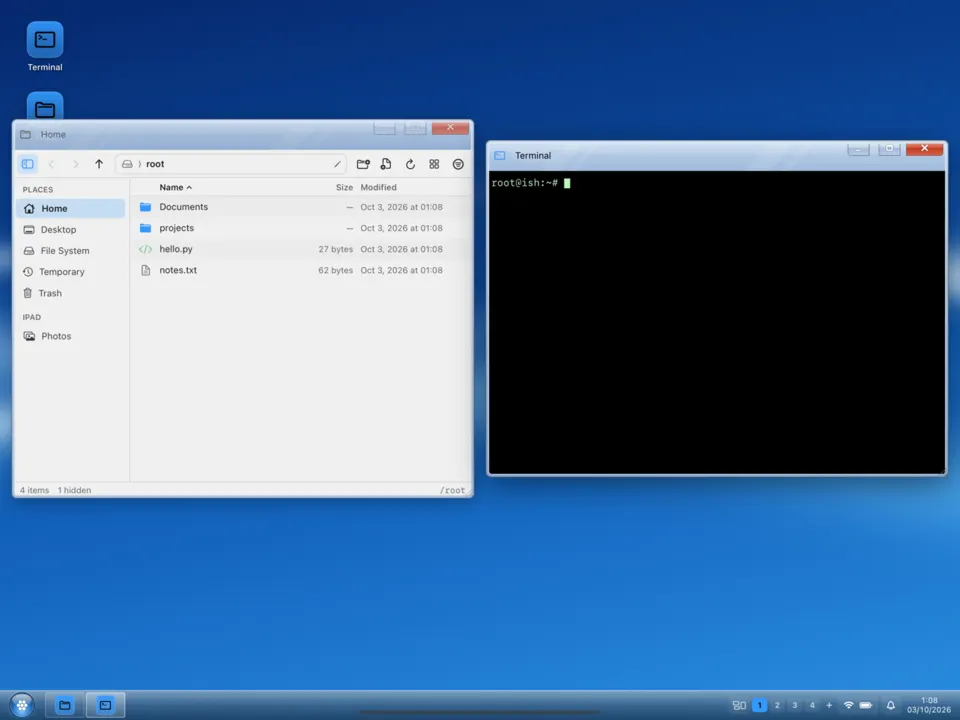
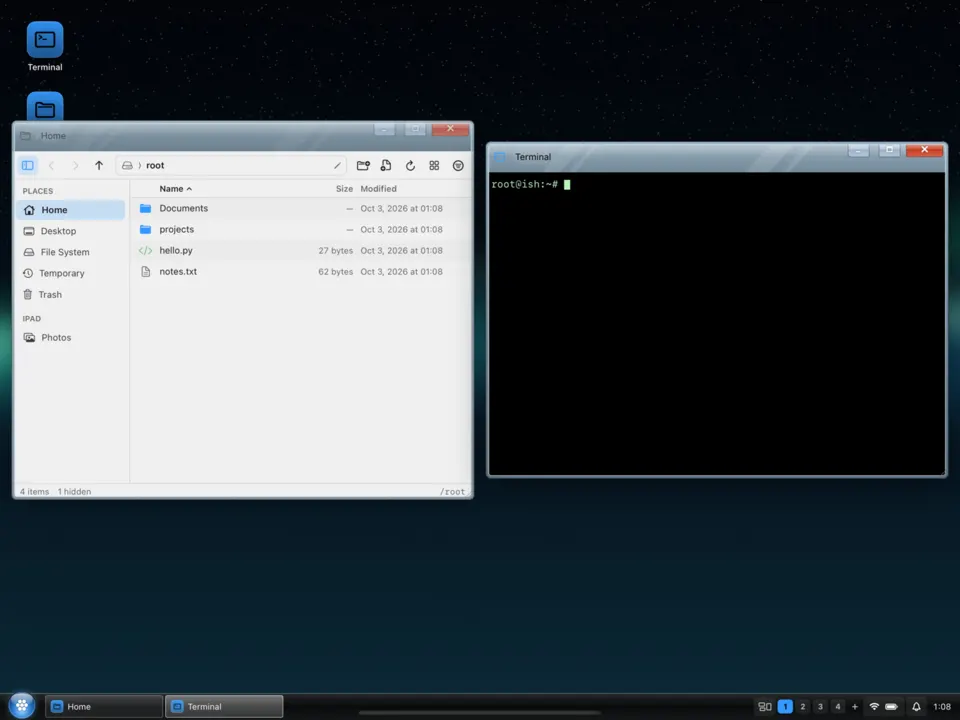
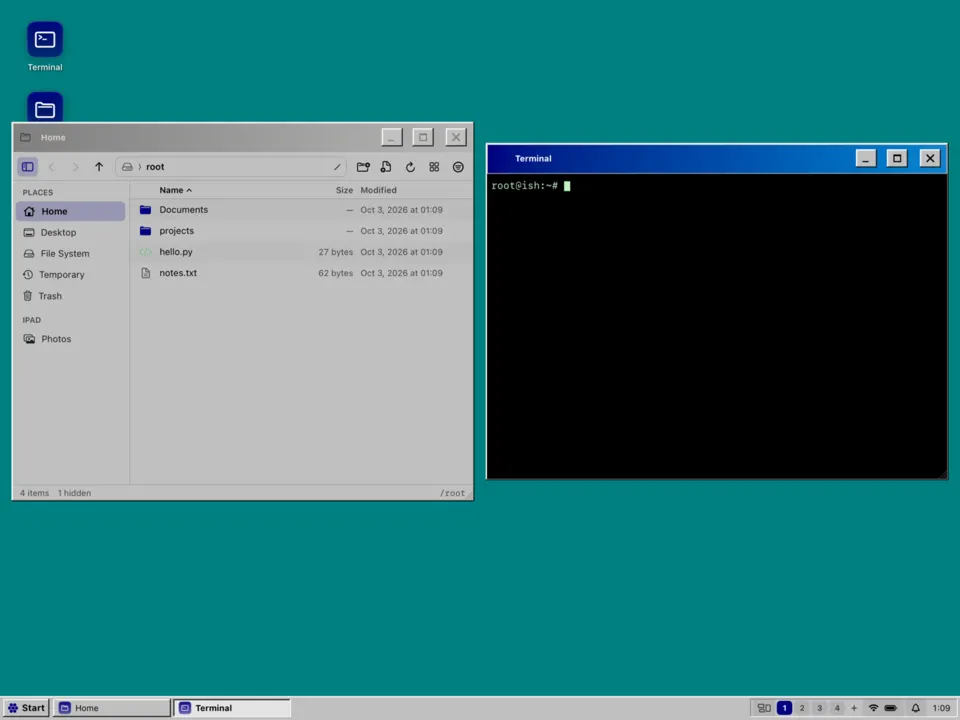
LunaInspired by the XP era: a blue taskbar, a green start button and rolling hills.AeroInspired by the late-2000s glass era: glass title bars and a light glass taskbar.Aero NightThe glass era after dark: glass windows over a black taskbar.Classic 98Inspired by the late-90s desktop: grey bevels, navy title bars, a teal backdrop.PlatinumInspired by 90s desktop publishing machines: striped title bars and a menu bar on top.AquaInspired by the early 2000s: pinstripes, gel buttons and a white dock.Aqua MetalAqua with brushed-metal title bars.ModernA present-day look: traffic-light window buttons and a frosted dock, light or dark.BerryInspired by the handheld era: dark chrome bezels and blue focus rings.Dot MatrixMonochrome with one red accent, dot-matrix type and desktop widgets.
Colour palettes
20 palettes adapted from Omarchy's community themes (MIT), plus 9 that pair with the era looks. LinPad reads and writes the same colors.toml format, so the files below also work on Omarchy.
LinPad can install a colour theme from a git repository in the Omarchy theme format: Themes › Install from URL, or a link like this one, which asks before doing anything: